
SingUp: AI Music Generator
TALENT ME TECH.Music & Audio
3.5901.00 Reviews
- Version
- 2.19.1
- Installs
- 100.00K
- Age Rating
- Everyone
Screenshots
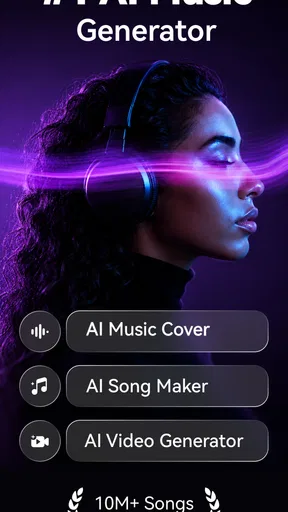
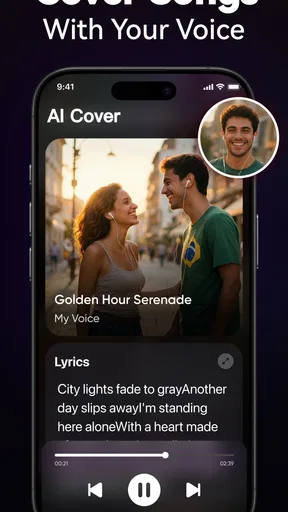
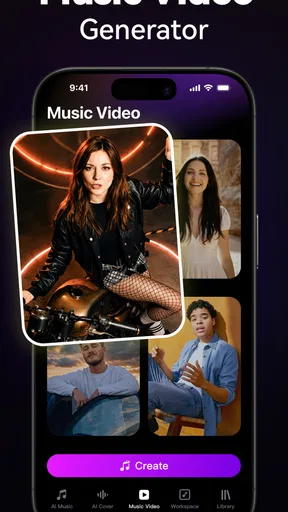
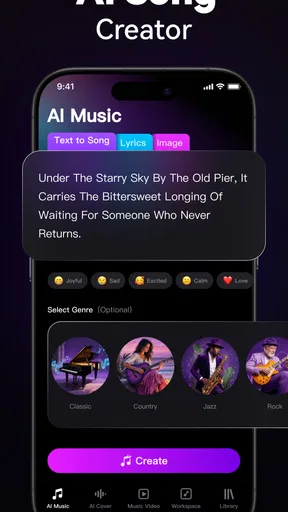
Our Review of SingUp: AI Music Generator
 Analysis by Appyee
When I look beyond the fun of making a quick cover, the main question is whether SingUp Music: AI Cover Songs fits the way you want to sing. I’d treat it as a casual creative playground: a place to try a song, hear how an AI-assisted cover comes together, and decide whether you want to share the result. It is less compelling if you need precise recording controls or a polished production workflow.
Where it fits among music apps
SingUp Music sits between a karaoke app and a lightweight music-making tool. A standard karaoke app is usually about singing along to backing tracks; a full recording workstation gives you deeper control over takes, effects, and arrangement. This app’s appeal is the middle ground: choose a track, record, and use pitch or tempo adjustments to shape a performance without needing to learn a complex editor.
That convenience comes with a trade-off. AI can make creating a cover feel approachable, but it does not replace the judgement involved in choosing a comfortable key, phrasing a line, or deciding whether a take is worth sharing. I’d use the app to explore ideas and have fun, not assume every generated result will sound like a finished studio recording.
A practical way to try it
If you’re new to singing, I’d start with a familiar song whose melody sits comfortably in your range. Record a short passage first, then adjust pitch or tempo only if you have a clear reason: lowering the pitch can make a high chorus easier, while slowing a section can help you practise its timing. Changing several settings at once makes it harder to tell what actually improved the take.
A useful low-pressure routine is to record the same short section twice, changing one setting between attempts. Listen back before sharing, and pay attention to whether the words remain clear and the timing feels natural. This gives you a better sense of how the app’s assistance affects your voice than judging a result only while you are singing along.
For a realistic everyday use, imagine having a few quiet minutes after work and wanting to sing without setting up a microphone or recording project. You could open a familiar track, try a chorus, and keep the result private while you decide whether you like it. That small, self-contained session is where the app makes the most sense; it does not need to become a public performance or a serious commitment.
Who is likely to enjoy it
I can see it working well for people who already sing for fun, friends who want to make a shared cover, and curious beginners who would rather experiment than study recording software. Duets and community sharing add a social reason to return, especially if you enjoy hearing how other people approach songs. If you are shy, you can still treat recording as practice rather than an invitation to publish every attempt.
On the other hand, I would look elsewhere if your priority is detailed vocal editing, multitrack production, or dependable tools for a professional release. SingUp Music is framed around accessible cover creation, not as a replacement for dedicated recording software. It may also be a poor fit if you dislike user-generated social spaces or simply want an offline player for music you already own.
Cost, access, and expectations
The app is free to install, though it offers in-app purchases priced from $4.99 to $39.99 per item. I’d explore the free experience before paying for anything, and check what an individual purchase unlocks in the app before deciding it is worth it. That is especially sensible if you only plan to sing occasionally, rather than making covers often.
Its age rating is Everyone, and TALENT ME TECH. is the developer. The app has a 3.1 average from around 2,600 ratings, alongside around 870 written reviews, so I would approach it with measured expectations rather than assuming every user has the same experience. Those figures do not tell me which particular feature people liked or disliked, but they are a reason to try the basic workflow yourself before investing time or money.
What changes mean for regular users
The app was released on March 26, 2024, and its current version is 2.11.0, with Android 8.0 as the minimum operating system requirement. That gives existing users a clear reference point for the version they are using, but a version number alone does not explain which features changed or how a particular update affects a recording. I would check the in-app experience after updating rather than assume the workflow has been redesigned.
For someone returning after a break, the most useful test is practical: open a track you know, try the recording flow, and see whether your saved or shared routine still suits you. If an update changes the feel of recording or navigation, a short test take is a safer way to notice it than planning a longer session around old habits. New users can use the same approach to judge whether the app’s current tools match what they hoped an AI cover app would do.
Limits worth keeping in mind
AI-assisted covers can lower the barrier to experimentation, but they cannot guarantee that a performance will match the original song or sound natural to every listener. A pitch adjustment may help with range while making a song feel less comfortable in another way; a slower tempo can make a line easier to practise but may change its energy. I’d make small adjustments and listen back, rather than treating any setting as an automatic fix.
There is also a difference between creating for yourself and sharing with a community. A private practice take can be enjoyable even when it has rough edges, while a public post invites other people’s reactions. If feedback is not what you want, there is no need to make sharing the goal of each session. That choice helps keep the app fun instead of turning casual singing into a performance test.
Getting Started with SingUp Music
First things first, downloading SingUp Music: AI Cover Songs was a breeze. Whether you’re on Android or iOS, it’s just a couple of taps away from being a part of your life. Once you fire it up, you’re greeted with a sleek and colorful interface that's super easy to navigate. No clutter, no confusion—just the way I like it.
After you log in, you’re prompted to explore a vast library of songs. And when I say vast, I mean vast. From pop to rock, and everything in between, there's something for everyone. The app also suggests trending tracks, so you’re always in the loop with what’s hot.
Features That Hit the Right Notes
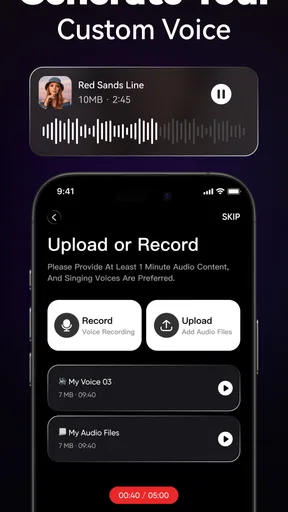
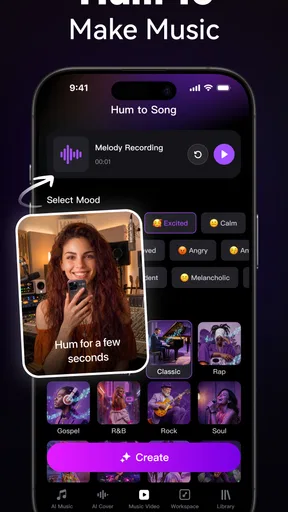
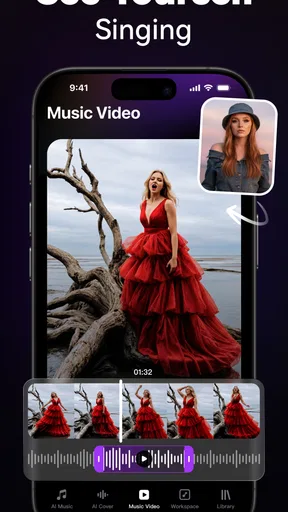
The real magic happens when you start creating your own cover songs. The app uses AI technology to help you create covers that sound surprisingly professional. You simply select a song, hit record, and the app works its magic. It even lets you tweak the pitch and tempo so you can nail those high notes or slow it down for a more soulful rendition.
One of my favorite features is the duet mode. You can pair up with friends or even join random users to create something unique. It’s like having a jam session without the hassle of coordinating schedules.
And let’s not forget about the social aspect. The app has a community section where you can share your covers, get feedback, and even collaborate with other users. It’s a great way to connect with fellow music lovers and maybe even discover the next big thing.
Why You Should Give It a Spin
If you’re someone who loves singing or wants to experiment with music, this app is a no-brainer. It’s not just about creating covers; it’s about expressing yourself and having fun while doing it. Plus, the AI assistance takes a lot of the pressure off, so you can focus on enjoying the process rather than stressing over technical details.
The app is also perfect for those days when you just need a break. Singing along to your favorite tunes is a great stress reliever, and with SingUp Music, you can do it anytime, anywhere.
Final Thoughts
All in all, SingUp Music: AI Cover Songs is a delightful app that brings out the inner artist in everyone. Whether you’re a seasoned singer or just someone who enjoys belting out songs in the shower, this app offers a platform to explore and share your musical side. The user-friendly interface, coupled with a robust set of features, makes it a must-try for music enthusiasts.
So, why not give it a shot? You never know—you might just uncover a hidden talent or two. And who knows, your cover might just be the next viral hit!
Verdict
Strengths of SingUp: AI Music Generator
- Wide variety of song options available.
- User-friendly interface with intuitive navigation.
- High-quality AI-generated cover vocals.
- Regular updates with new features.
- No intrusive ads to disrupt your experience.
Limitations of SingUp: AI Music Generator
- Requires a stable internet connection.
- Limited offline functionality.
- Subscription needed for premium features.
- May consume significant device storage.
- In-app purchases can add up quickly.
Other Releases by TALENT ME TECH.
View All
VocalMe Music: AI Cover Songs
Music & Audio3.5
Similar Picks in This Category
View All
YouTube Music
Google LLC4.4

Samsung Music
Samsung Electronics Co., Ltd.3.8

Spotify: Music and Podcasts
Spotify AB4.3

JioSaavn - Music & Podcasts
Saavn Media Limited4.3

Lark Player:Music Player & MP3
Lark Player Studio - Music, MP3 & Video Player4.6

StarMaker: Sing Karaoke Songs
SKYWORK AI PTE. LTD.4.3
Frequently Asked Questions
What is SingUp Music: AI Cover Songs and how does it work?
SingUp Music: AI Cover Songs is an innovative app that uses artificial intelligence to create cover versions of songs. Users can select a song and transform it by using AI to generate a unique cover. The app allows you to explore different vocal styles and musical arrangements, providing a fresh take on your favorite tracks.
Is SingUp Music: AI Cover Songs free to use?
SingUp Music offers a free version with basic features, but to access advanced options and remove ads, a subscription or one-time purchase may be required. The app may offer in-app purchases for additional features or content, so check the app store listing for pricing details.
What platforms is SingUp Music available on?
SingUp Music is available for both Android and iOS devices. You can download it from the Google Play Store for Android or the Apple App Store for iOS. Ensure your device meets the app’s system requirements for optimal performance.
Can I share the AI-generated covers with others?
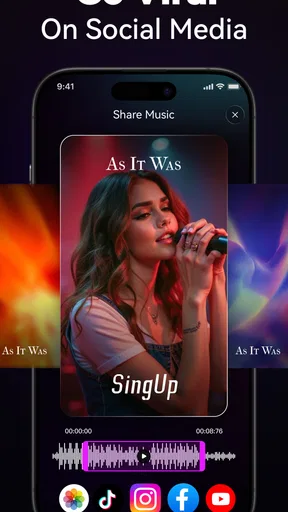
Yes, SingUp Music allows users to share their AI-generated covers directly from the app. You can share your creations on social media platforms or send them to friends via messaging apps, letting others enjoy your personalized music covers.
Does SingUp Music require an internet connection?
While some features of SingUp Music might be available offline, the app generally requires an internet connection to access its full range of functionalities, such as downloading new songs, processing AI-generated covers, and sharing your creations online.
